

Mod Details
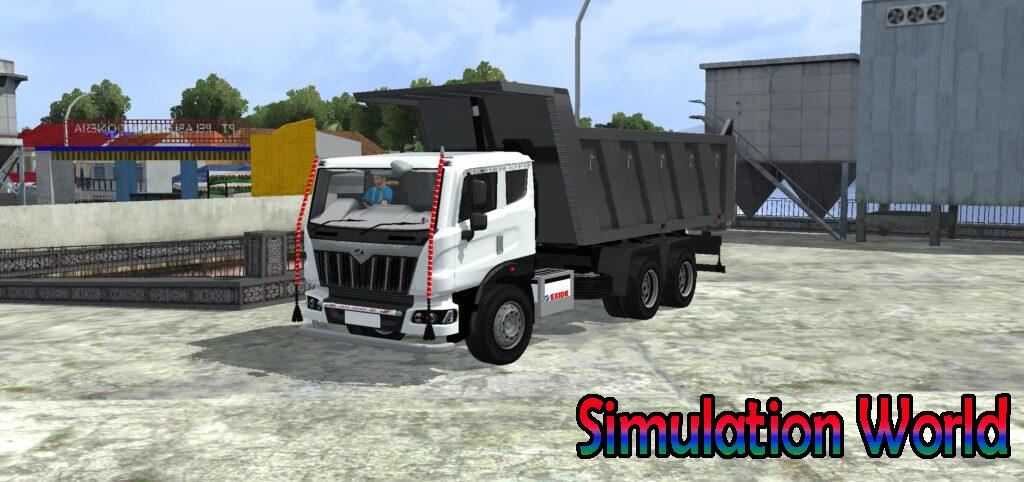

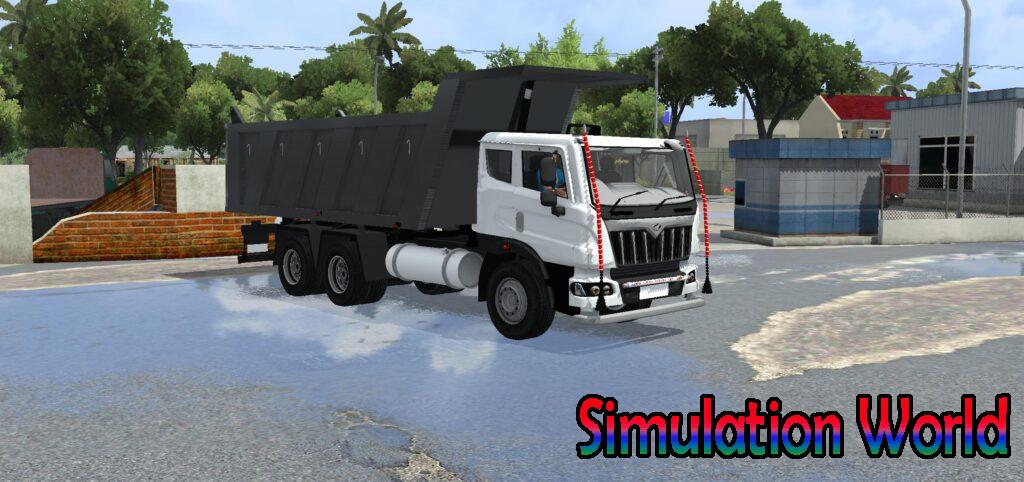
Information-
Author
Evil Simulation
Type
Free
Category
Downloads
544
Size
N/A
Brand
Mahindra
Comments
1
Published On
September 2, 2024
Description -
Livery And Template Mahindra Blazo Tipper Mod Bussid
Only Compatible with Mahindra Blazo Tipper Truck Mod Bussid
Re-sharing of the mod is completely prohibited
Video -
Installation Guide -
To install a mod in Bus Simulator Indonesia/Indian(BUSSID/IN), you generally need to download the mod file (usually ending in .bussidmod or .bussidvehicle) and move it into the game’s designated “Mods” folder using a file manager.
Step-by-Step Installation Guide
Download the Mod: Find a mod you like (bus, truck, or car)
Locate the File: Open a file manager app like ZArchiver and go to your Downloads folder to find the file.
Move the Mod File:
- Long-press the mod file and select Copy or Cut.
- Navigate to the internal storage folder named BUSSID.
- Open the Mods folder inside the BUSSID directory.
- Paste the file here.
Activate in Game:
- Open Bus Simulator India.
- Go to the MOD section on the main menu.
- If the mod isn’t showing, tap Import and select the file from your storage.
Use the Mod: Go to your Garage, scroll through your vehicles until you find the new mod, and tap Use.
Download Mod
Troubleshooting Tips -
- File Extension: Ensure the file ends in
.bussidmod. If it’s a.zipor.rarfile, you must extract it first to get the actual mod file.
- Folder Missing: If you don’t see a “BUSSID” folder, you may need to create it manually in your device’s “Documents” or main storage area after running the game at least once.
- Restart: If the vehicle doesn’t appear in the garage immediately, try restarting the game.
1 thought on “Livery And Template Mahindra Blazo Tipper Mod Bussid”
Easy to get into 747 live sign in, and once you’re in, the games are great. Check it out! 747 live sign in.