SIMULATION WORLD · DOWNLOAD CENTER
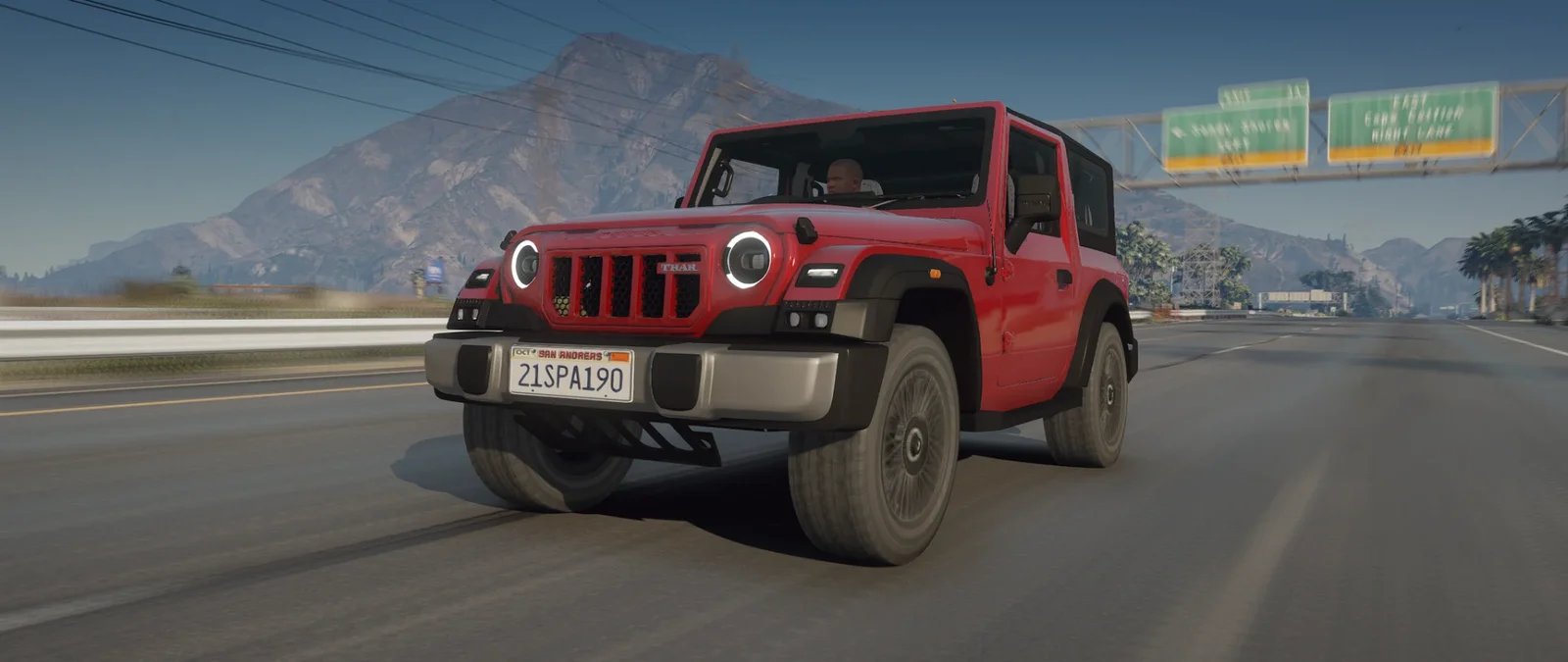
THAR OG 2026
SECURE DOWNLOAD GATE
READY TO DOWNLOAD

THAR OG 2026

GTA V • 1 downloads

Your download is almost ready. Click the button below to initialize the secure download process.

Advertisement
DOWNLOAD READY --
← Back to Mod Details
Advertisement
INSTALLATION & SUPPORT

GTA V Installation Guide

Follow the steps below to install this mod correctly. The instructions shown here are specific to the selected game.

01
INSTALLATION

How to Install GTA V Mods?

GTA V mods can use different installation methods depending on the mod type. Follow the mod creator's instructions and use the required modding tools for the specific mod.

  1. Download the Mod: Download the GTA V mod files from this page.
  2. Read the Installation Requirements: Check whether the mod requires OpenIV, Script Hook V, ASI Loader or another required component.
  3. Install the Required Tools: Install the tools required by the mod before adding its files.
  4. Install the Mod: Follow the supplied instructions to place the mod files in the correct GTA V directory or OpenIV mods folder.
  5. Launch the Game: Start GTA V and test the installed mod in the mode supported by the mod creator.
02
TROUBLESHOOTING

Common Problems

  • Make sure the mod is intended for your GTA V version and game mode.
  • Check that all required tools or dependencies listed by the mod creator are installed.
  • Verify that the mod files were placed in the exact folder or OpenIV location specified by the installation instructions.
  • Remove conflicting mods or dependencies if the game crashes or the mod does not load.