
SIMULATION WORLD · DOWNLOAD CENTER
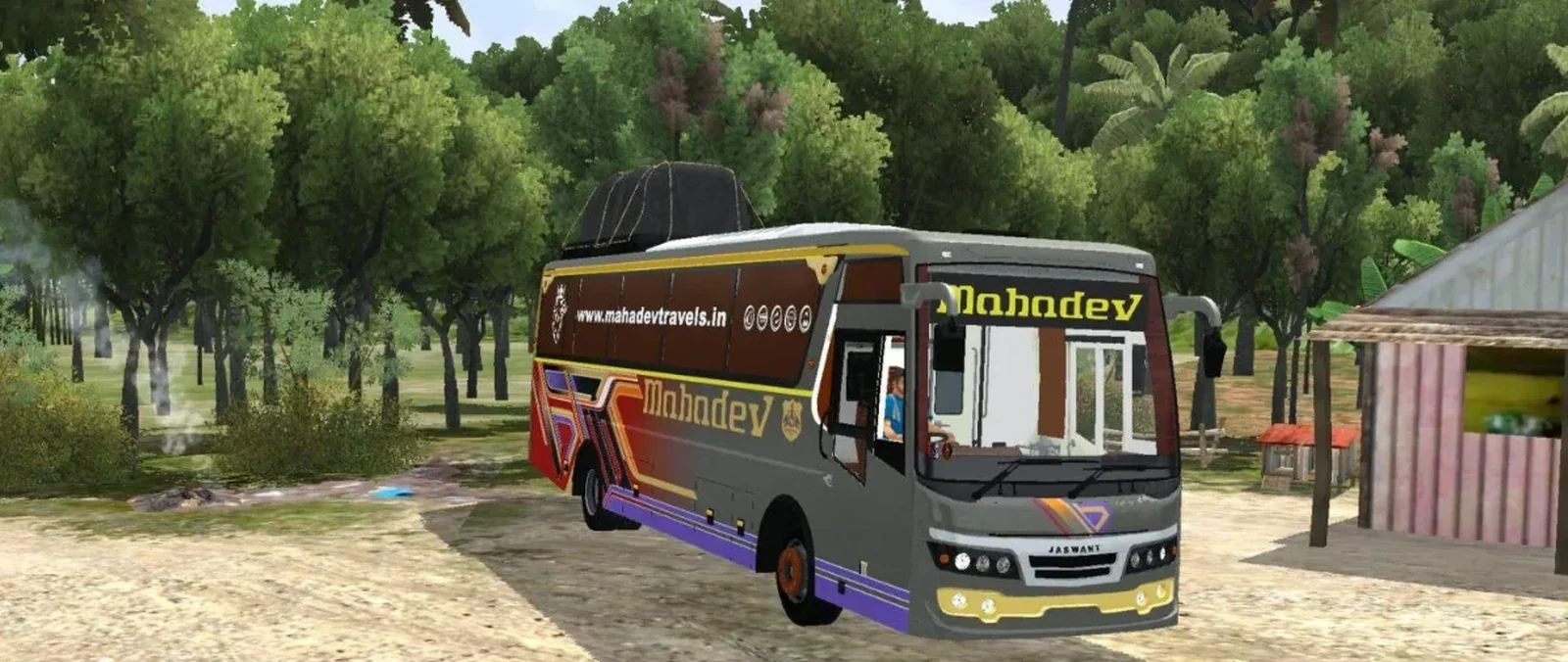
Livery Template Jaswant 2 In 1 Bus Pack For Bussid/Bussin By Simulation World
SECURE DOWNLOAD GATE
READY TO DOWNLOAD

Livery Template Jaswant 2 In 1 Bus Pack For Bussid/Bussin By Simulation World

Bus Simulator Indonesia / India • 0 downloads

Your download is almost ready. Click the button below to initialize the secure download process.

DOWNLOAD READY --
← Back to Mod Details
INSTALLATION & SUPPORT

BUSSID / BUSSIN Installation Guide

Follow the steps below to install this mod correctly. The instructions shown here are specific to the selected game.

01
INSTALLATION

How to Install BUSSID / BUSSIN Mods?

To install a mod in Bus Simulator Indonesia/India (BUSSID / BUSSIN), you generally need to download the mod file and move it into the game's designated Mods folder using a file manager.

  1. Download the Mod: Find and download the mod you want.
  2. Locate the File: Open a file manager app such as ZArchiver and go to your Downloads folder.
  3. Move the Mod File: Copy or cut the mod file, navigate to the internal storage BUSSID folder, open Mods, and paste the file there.
  4. Activate in Game: Open Bus Simulator Indonesia/India and go to the MOD section.
  5. Import if Needed: If the mod does not appear, use the Import option and select the file from storage.
02
TROUBLESHOOTING

Common Problems

  • Make sure the downloaded file is a supported BUSSID mod file.
  • If the mod does not appear, check that it is inside the correct Mods folder.
  • Restart the game after moving or importing the mod.