
Damodar Super High-deck Bs6 Sleeper Coach Mod Bussid/Bussin By Simulation World
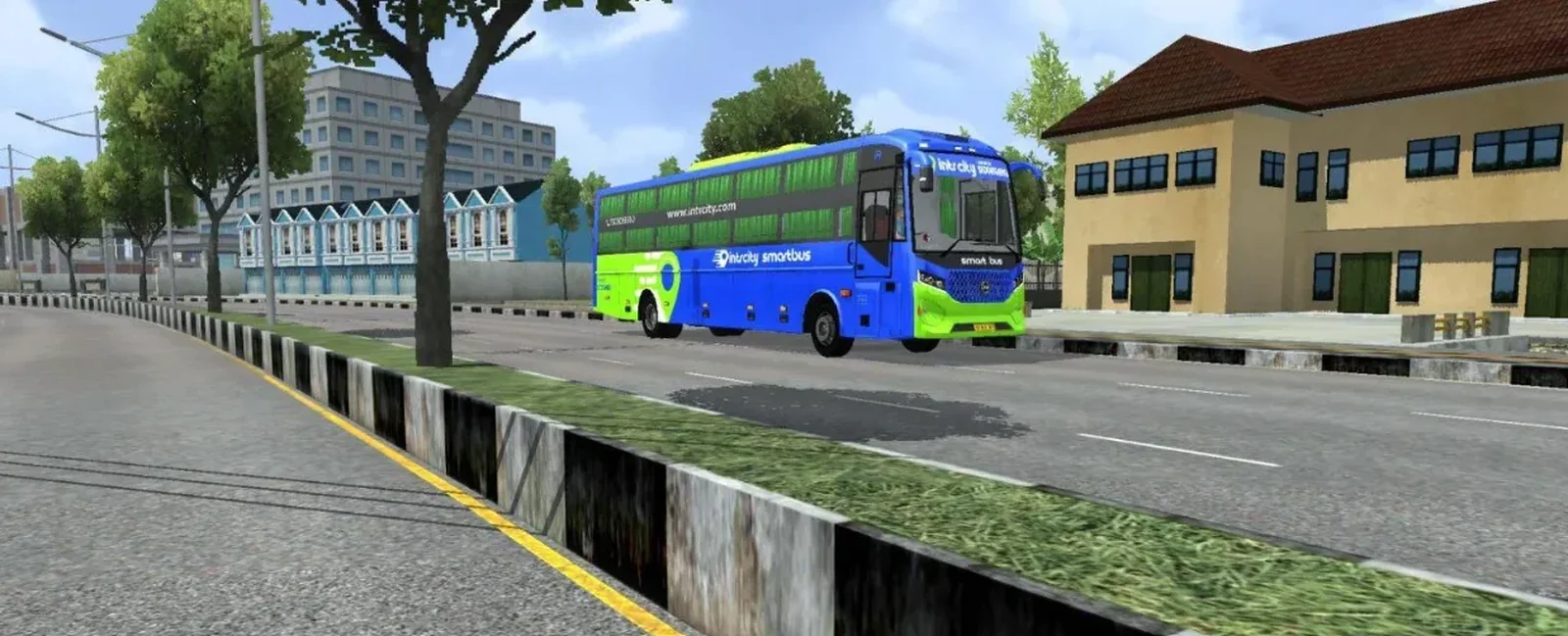
Screenshots
Mod Details
Description
🔵Features
1. Best and most realistic physics
2. Realistic bus scale model
3. Interior lightening
4. Optimized 3d Model
5. Driver Door animation
6. Passenger door animation
7. Passenger glass animation
8. Interior lighting with low beam light
9. Ao-Baked Texture
10. Reverse Camera
About This Mod
Experience the comfort and style of Indian luxury bus travel with the Damodar Super High-deck BS6 Sleeper Coach Mod for BUSSID, brought to you by Bussin By Simulation World. This mod is designed for players who enjoy driving realistic Indian buses in Bus Simulator Indonesia (BUSSID).
The Damodar Super High-deck sleeper coach features an attractive exterior design, a modern high-deck body, and a spacious sleeper coach appearance inspired by Indian long-distance buses. Its detailed bodywork and stylish look make it a great addition to your BUSSID garage. Whether you enjoy highway journeys, passenger transportation, or creating cinematic gameplay videos, this bus mod can enhance your overall simulation experience.
Take your virtual passengers on long routes, explore different roads, and enjoy the experience of driving a premium Indian sleeper coach. This mod is suitable for players who love Indian bus designs and realistic bus simulation.
Download the Damodar Super High-deck BS6 Sleeper Coach Mod from Bussin By Simulation World and add another exciting Indian bus to your BUSSID collection. Enjoy your journey!
Video Preview
How to Install Bussin Mods?
To install a mod in
Bus Simulator Indonesia/India (Bussid/ Bussin),
you generally need to download the mod file
(usually ending in
.bussimod
or
.bussidvehicle)
and move it into the game's designated
"Mods" folder using a file manager.
Step-by-Step Installation Guide
- Download the Mod: Find a mod you like (bus, truck, or car).
- Locate the File: Open a file manager app like ZArchiver and go to your Downloads folder to find the file.
-
Move the Mod File:
- Long-press the mod file and select Copy or Cut.
- Navigate to the internal storage folder named BUSSID.
- Open the Mods folder inside the BUSSID directory.
- Paste the file here.
-
Activate in Game:
- Open Bus Simulator Indonesia/India.
- Go to the MOD section on the main menu.
- If the mod isn't showing, tap Import and select the file from your storage.
- Use the Mod: Go to your Garage, scroll through your vehicles until you find the new mod, and tap Use.
Download Ready
Connect with the Creator
Have a question about this mod? Get in touch with the creator directly.
Troubleshooting Tips
- Make sure the downloaded file is a supported BUSSID mod file.
- If the mod does not appear, check that it is inside the correct Mods folder.
- Restart the game after moving or importing the mod.
Comments
0 comments
You need to be logged in to post a comment.
Sign In to Comment